
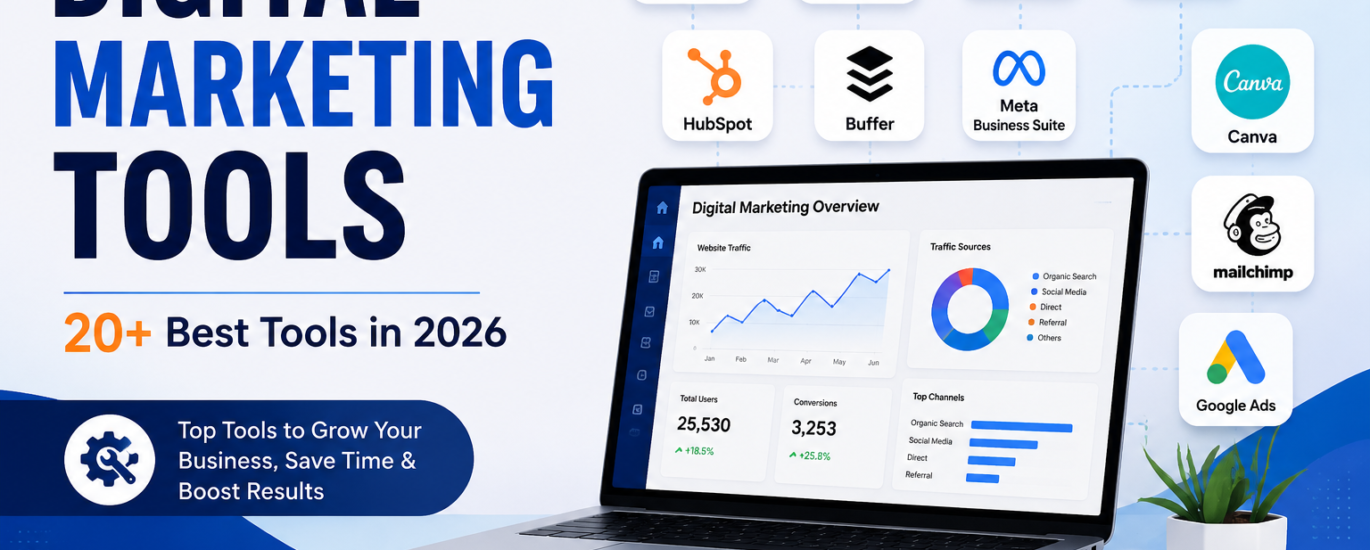
Digital marketing has become an essential part of growing a business online. From improving search rankings to managing social media and measuring website performance, marketers need the right technology to work efficiently. Digital Marketing Tools help businesses research audiences, create content, analyze performance, manage campaigns, and generate leads.
With hundreds of platforms available, choosing the right tools can be challenging. Some are designed specifically for SEO, while others focus on analytics, social media, email marketing, advertising, content creation, or customer relationship management.
In this guide, we will explore some of the most useful Digital Marketing Tools in 2026, their key purposes, and how businesses can choose the right combination for their marketing strategy.
What Are Digital Marketing Tools?
Digital marketing tools are software platforms and online applications that help marketers plan, execute, monitor, and improve digital campaigns.
They can be used for activities such as:
- Keyword research and SEO
- Website analytics
- Content creation
- Social media management
- Email marketing
- Paid advertising
- Lead generation
- Marketing automation
- Competitor research
- Conversion optimization
Instead of handling every marketing activity manually, businesses can use these tools to save time, collect useful data, automate repetitive tasks, and make better marketing decisions.
Why Are Digital Marketing Tools Important?
Modern marketing depends heavily on data and technology. A business may receive thousands of website visitors, social media interactions, or advertising impressions, but without proper tools, understanding this information can be difficult.
Digital Marketing Tools make it easier to measure marketing performance and identify areas that need improvement.
For example, Google Analytics helps businesses understand website traffic and user behavior, while Google Search Console provides information about search queries, clicks, impressions, and website performance in Google Search.
The main benefits include:
- Saving time through automation
- Improving marketing productivity
- Tracking campaign performance
- Understanding customer behavior
- Finding SEO opportunities
- Managing social media efficiently
- Measuring conversions and ROI
- Making data-driven decisions
Best Digital Marketing Tools in 2026
There is no single tool that is perfect for every business. The best choice depends on your goals, budget, marketing channels, and team size.
Here are some widely useful tools to consider.
1. Google Analytics
Google Analytics is one of the most important analytics platforms for website owners and marketers. It helps businesses understand where visitors come from, how they interact with a website, and which marketing activities contribute to conversions.
Google also provides insights and reporting features designed to help businesses turn customer and campaign data into marketing decisions.
Best for: Website analytics, traffic measurement, and conversion tracking.
2. Google Search Console
Google Search Console is a valuable SEO platform that helps website owners monitor their performance in Google Search.
It can show search queries, impressions, clicks, click-through rates, and average search positions. It also provides tools for checking indexing and identifying technical search-related issues.
Best for: SEO monitoring, indexing, search performance, and keyword insights.
3. Semrush
Semrush is an all-in-one marketing platform commonly used for SEO, keyword research, competitor analysis, content marketing, and paid search research.
It can be particularly useful for marketers who want multiple marketing functions available from one platform. Current digital marketing tool comparisons continue to list Semrush among major SEO and marketing solutions.
Best for: SEO, competitor research, keyword research, and PPC.
4. Ahrefs
Ahrefs is primarily known for SEO and backlink analysis. Marketers can use it to research keywords, analyze competitors, monitor backlinks, and identify content opportunities.
Best for: SEO research, backlinks, keyword analysis, and competitor research.
5. Canva
Canva is a popular visual design platform that allows marketers to create social media graphics, presentations, advertisements, infographics, and other marketing materials.
It is especially useful for teams that need professional-looking visuals without advanced graphic design skills.
Best for: Social media graphics, presentations, advertisements, and visual content.
6. HubSpot
HubSpot provides tools for CRM, marketing, sales, customer service, and automation. Businesses can use it to organize customer information, manage leads, create campaigns, and track interactions.
Best for: CRM, lead management, marketing automation, and inbound marketing.
7. Buffer
Buffer is a social media management platform that helps businesses plan and schedule content across social channels.
It can reduce the time marketers spend manually publishing posts and make it easier to maintain a consistent publishing schedule.
Best for: Social media scheduling and content management.
8. Mailchimp
Mailchimp is an email marketing platform used to create campaigns, manage audiences, and automate certain customer communications.
Email remains an important digital marketing channel because businesses can communicate directly with subscribers and nurture potential customers.
Best for: Email campaigns, newsletters, and audience management.
9. Google Ads
Google Ads helps businesses promote products and services through paid advertising across Google’s advertising ecosystem.
It can be useful when businesses want to reach users who are actively searching for relevant products or services.
Best for: Paid search, lead generation, ecommerce advertising, and customer acquisition.
10. Microsoft Clarity
Microsoft Clarity provides behavioral insights that can help marketers understand how visitors interact with websites.
Heatmaps and session-related insights can help identify potential usability problems and opportunities to improve user experience.
Best for: User behavior analysis and website optimization.
Other Digital Marketing Tools to Consider
Beyond the tools mentioned above, marketers can build a broader technology stack based on their specific needs.
Some useful categories include:
| Marketing Activity | Example Tools |
|---|---|
| SEO | Ahrefs, Semrush, Google Search Console |
| Analytics | Google Analytics, Microsoft Clarity |
| Content Design | Canva, Adobe tools |
| Social Media | Buffer, Hootsuite |
| Email Marketing | Mailchimp, HubSpot |
| Paid Advertising | Google Ads, Semrush |
| CRM | HubSpot, Salesforce |
| Content Optimization | Surfer SEO |
| Project Management | Asana, Notion |
| Reporting | Looker Studio |
Recent 2026 comparisons similarly group major marketing tools across SEO, analytics, social media, email, CRM, and content workflows.
How to Choose the Right Digital Marketing Tools
Choosing too many platforms can make marketing more complicated rather than easier. Instead, businesses should start with their primary goals.
1. Define Your Marketing Goals
First, determine what you want to achieve. Your goal could be increasing organic traffic, generating leads, improving social engagement, increasing conversions, or improving customer retention.
2. Consider Your Budget
Some platforms offer free versions, while advanced features may require paid subscriptions. Start with tools that provide the features you actually need.
3. Check Integrations
Your tools should work together whenever possible. For example, connecting analytics and search data can give marketers a clearer understanding of organic performance. Google provides documentation for integrating Analytics with Search Console to analyze organic search performance and user behavior.
4. Think About Your Team
A large marketing team may benefit from advanced enterprise platforms, while a small business may need a simpler and more affordable stack.
5. Focus on Data and Reporting
Choose tools that provide useful data rather than simply offering a large number of features. Good reporting helps you understand what is working and where your budget should go next.
How Beginners Can Build a Digital Marketing Toolkit
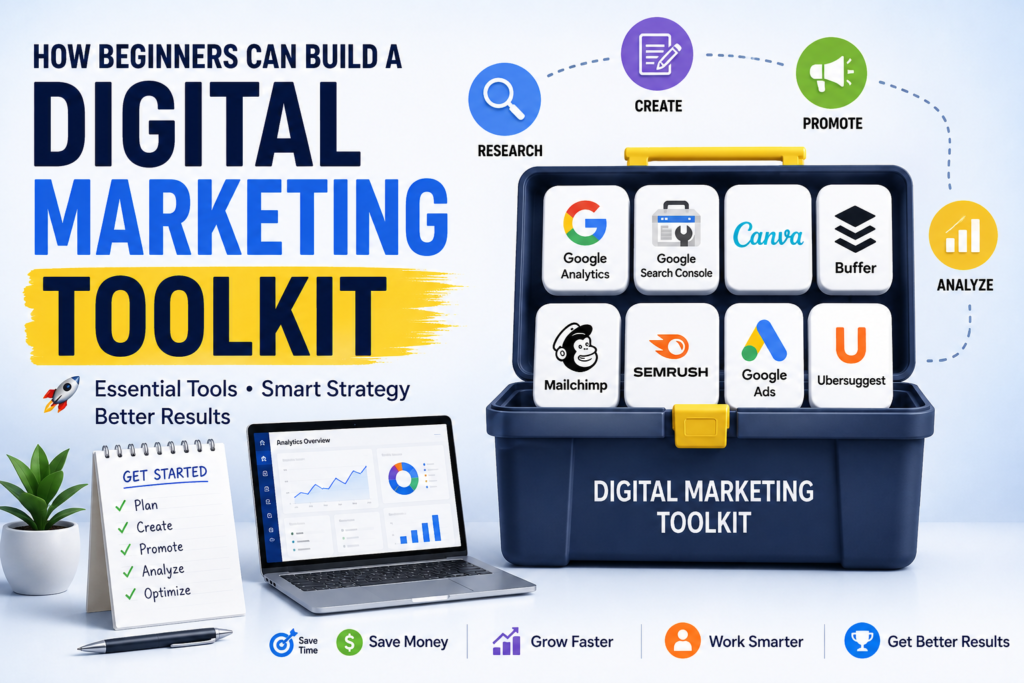
Beginners do not need dozens of subscriptions to start marketing effectively.
A simple toolkit could include:
- Google Analytics for website measurement
- Google Search Console for SEO monitoring
- Canva for visual content
- One SEO platform for keyword and competitor research
- One social media management platform
- One email marketing or CRM platform
Once your campaigns become more sophisticated, you can add automation, advanced reporting, conversion optimization, and additional research platforms.
For more digital marketing insights, strategies, and useful resources, you can also explore the Gracy Digital blog.
Common Mistakes When Using Marketing Tools
Having access to powerful software does not automatically produce better marketing results.
Some common mistakes include:
- Using too many tools at the same time
- Paying for features your business does not need
- Focusing on vanity metrics instead of conversions
- Failing to check data regularly
- Not connecting relevant platforms
- Making decisions without understanding customer behavior
- Ignoring data privacy and tracking requirements
The goal should be to build a simple marketing system where each tool has a clear purpose.
Final Thoughts
The right Digital Marketing Tools can make marketing faster, more measurable, and more effective. From Google Analytics and Google Search Console to SEO, social media, email, design, CRM, and advertising platforms, businesses have many options available in 2026.
However, the best marketing stack is not necessarily the one with the largest number of tools. It is the one that supports your goals, provides reliable data, fits your budget, and helps your team execute campaigns efficiently.
Start with the essential tools for your current needs, measure the results, and add new platforms only when they solve a specific marketing problem. This approach can help businesses create a more organized and scalable digital marketing strategy.
Frequently Asked Questions About Digital Marketing Tools
1. What are Digital Marketing Tools?
Digital Marketing Tools are software platforms and online applications that help businesses plan, manage, measure, and improve their online marketing activities. They can support SEO, social media, email marketing, content creation, advertising, analytics, and lead generation.
2.Are Digital Marketing Tools free?
Some Digital Marketing Tools offer free versions or free plans, while others require a monthly or annual subscription. Google Analytics and Google Search Console, for example, provide free tools that can be useful for website and SEO analysis.
3. How do Digital Marketing Tools help businesses?
Digital Marketing Tools help businesses save time, understand their audience, monitor campaign performance, discover SEO opportunities, automate repetitive tasks, and make data-driven marketing decisions.
4. Do small businesses need Digital Marketing Tools?
Yes. Small businesses can benefit from using a small selection of tools to manage their website, SEO, social media, email campaigns, and analytics. They do not need to use dozens of platforms; a focused toolkit is often more effective.
5. How many Digital Marketing Tools should a beginner use?
There is no fixed number. Beginners can start with three to five essential tools based on their goals. As their marketing activities grow, they can add specialized tools for automation, advertising, SEO, analytics, or customer management.
6.How do I choose the right Digital Marketing Tools?
Digital Marketing Tools help businesses save time, understand their audience, monitor campaign performance, discover SEO opportunities, automate repetitive tasks, and make data-driven marketing decisions.
7.Can Digital Marketing Tools improve SEO?
Yes. SEO-focused tools can help marketers conduct keyword research, analyze competitors, monitor backlinks, identify technical issues, and track search performance. Google Search Console can also provide valuable information about how a website performs in Google Search.